The book
See every theme before you print.
The same journal, laid out four ways. Pick one to look through, and you can switch at any time before ordering.
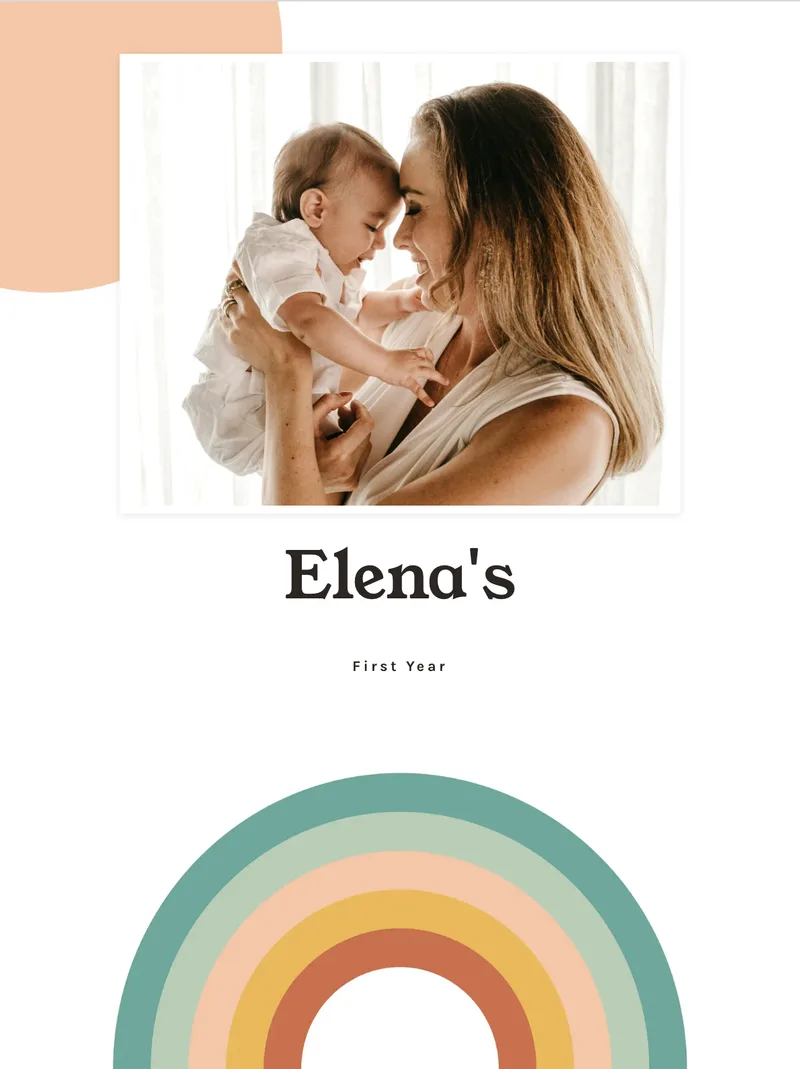
Retro Sunshine
Peach sun, rainbow arcs
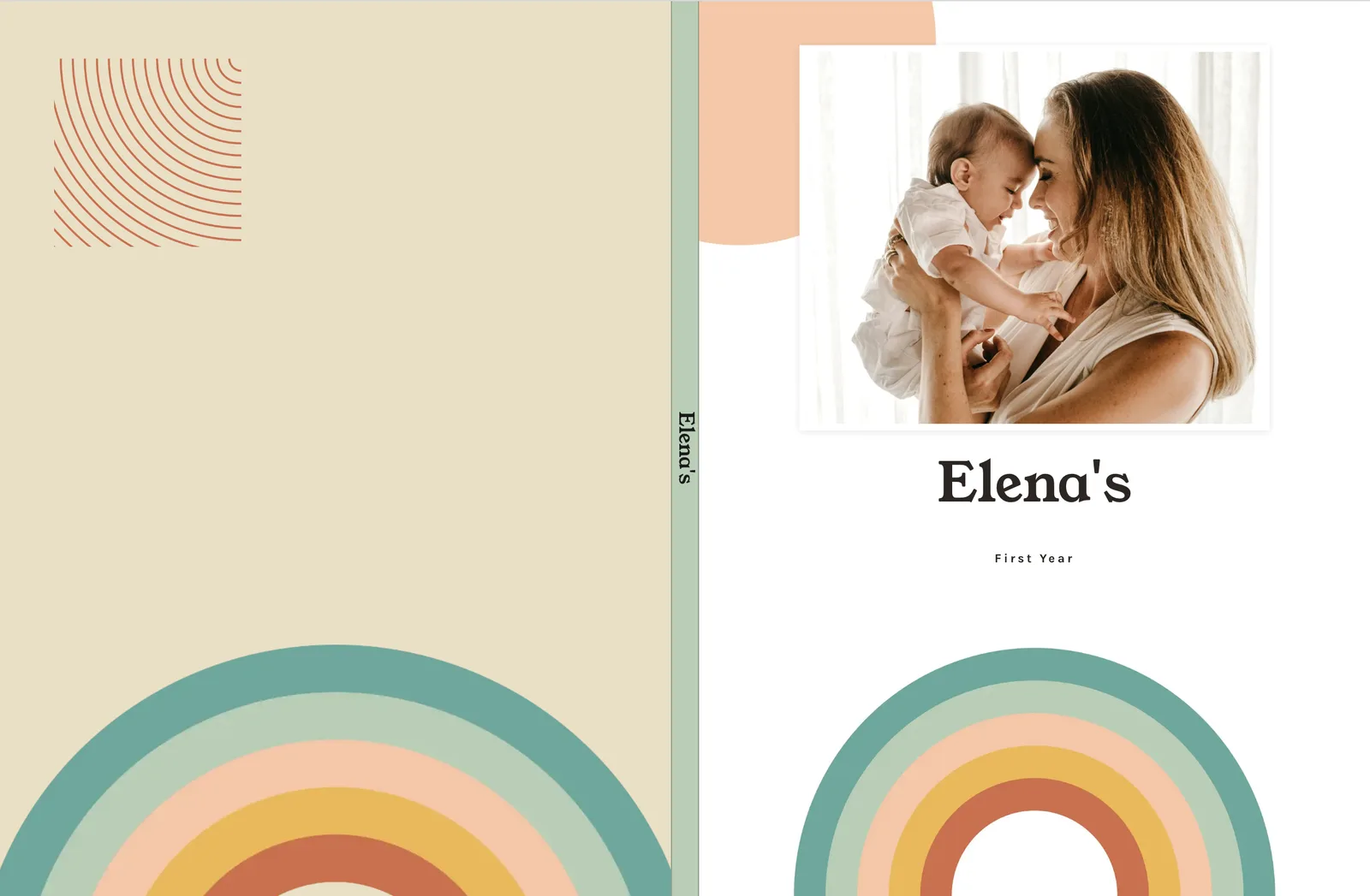
Cover, photo grid, monthly recap, and journal spreads from Elena’s sample book — captured Studio layouts, not mockups.
Cover
Spread 1 of 4
FAQ
Are these screenshots of the app?
No. They are printed-page layouts from Studio, captured as open spreads (left and right pages).
Can I see every theme?
Yes. The book page lets you flip themes. These Features stills use one sample journal so the layouts stay readable.
Do I need Highlights for a book?
No. Journal entries and photos are enough. Highlights add structured pages like the bump grid.
Ready when you have one spare minute
Start a journal. Add a photo later. The book can wait until the pages exist.